
STREAMLINE • B2B SAAS • 2024
Designing and building custom landing pages
TIMELINE
2 months
ROLE
Product Designer (Me!)
TEAM
Founder
Tl;dr
Streamline has dozens of icon sets, and visitors kept asking which one to use and how. Support tickets and research calls showed people wanted use-case examples, not just a catalog. Over two months I designed and built 20+ landing pages in Framer: simple, contextual pages by use case, then CMS templates so new sets could ship without starting from scratch. Engagement went up, users started referencing the pages inside the product, and "how do I use this?" queries dropped.
SOLUTION
I went with simple, contextual, use case–driven pages and turned them into CMS templates in Framer for scalability and consistency.
The winning pattern was not one page per set or one page for everything. It was one template per use case: hero, recommended sets, visual examples. I built the first pages in Framer, then structured them as CMS templates so anyone could add or update sets without redesigning each time. Consistency stayed intact. New sets plugged into existing layouts. The site could grow at the same pace as the library.
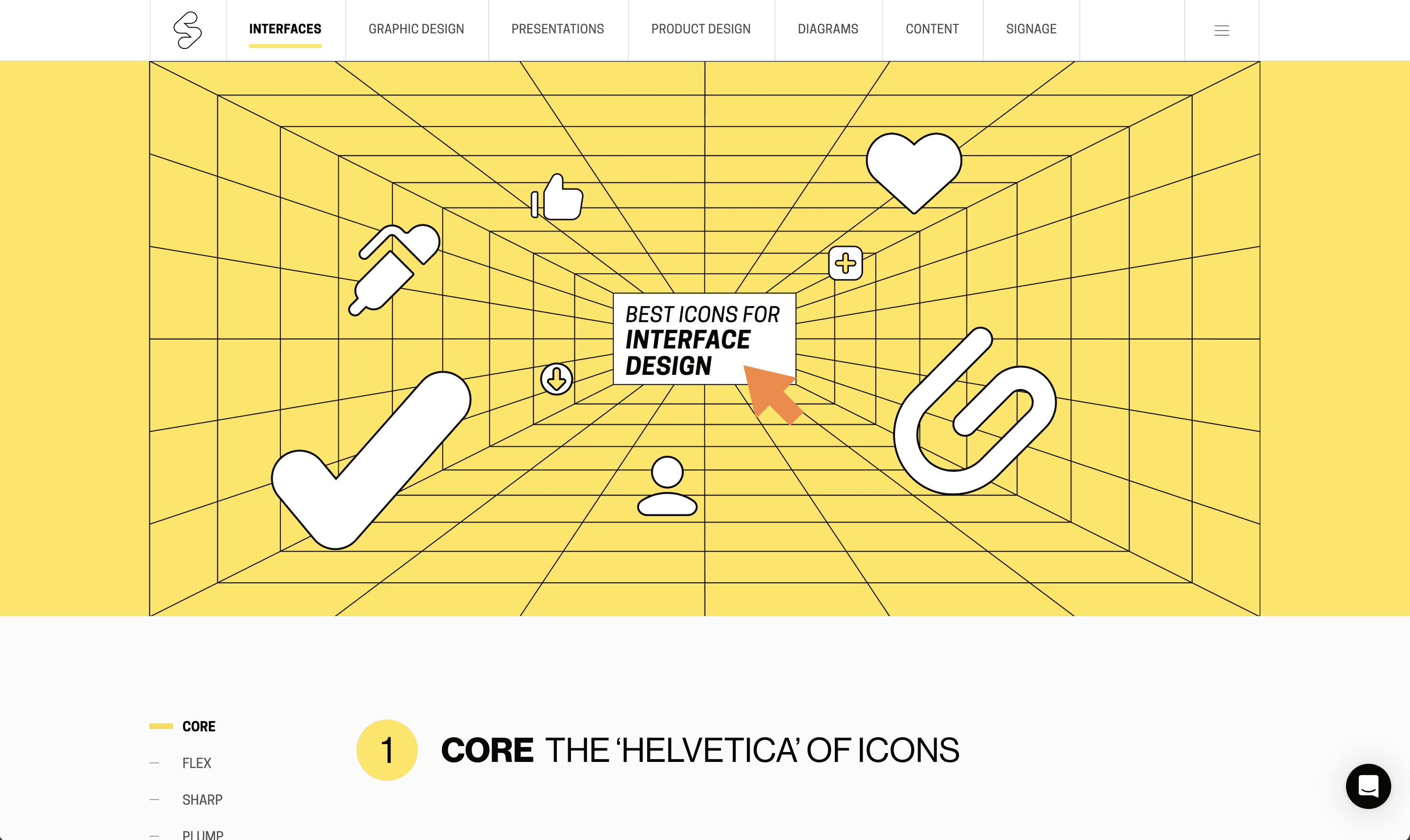
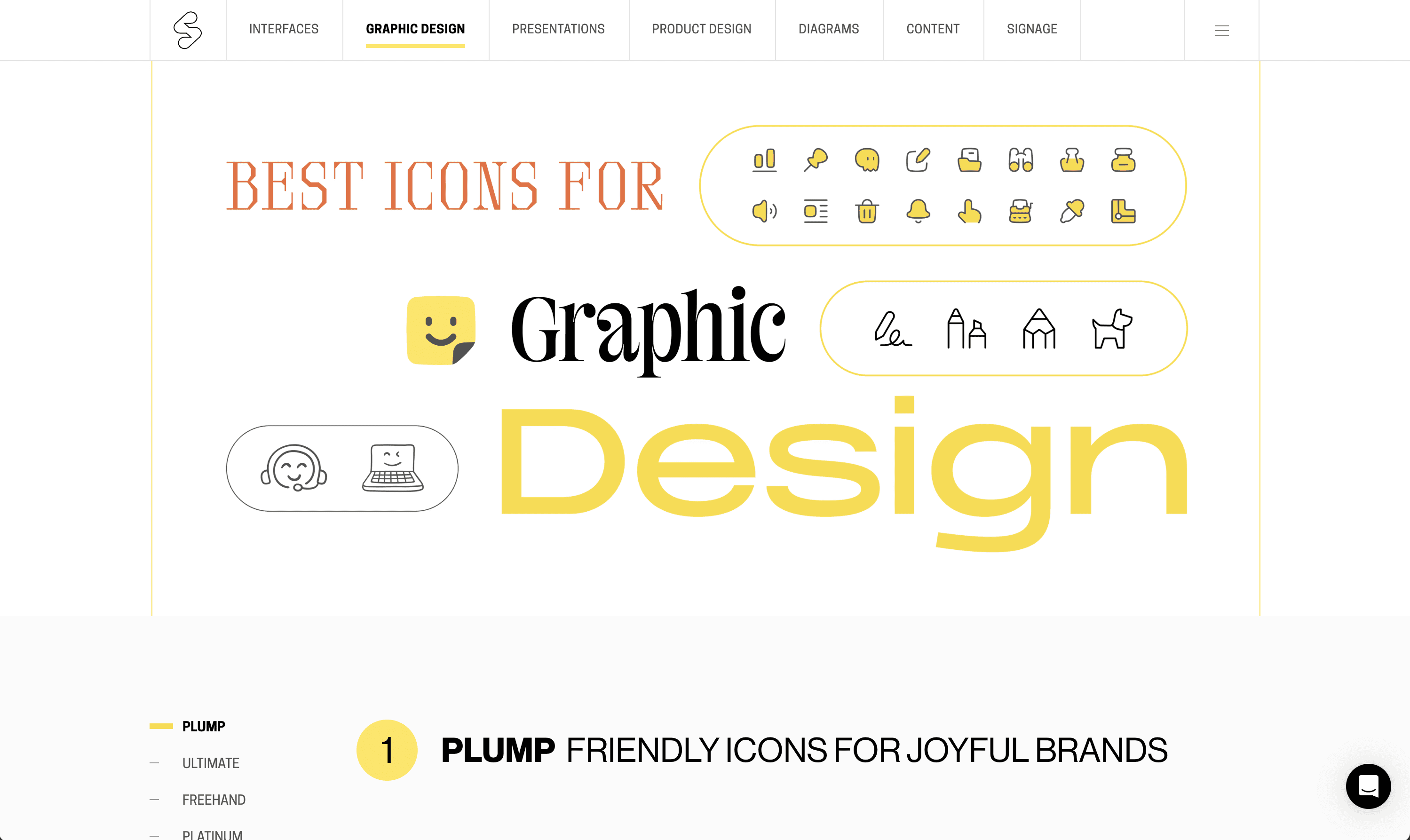

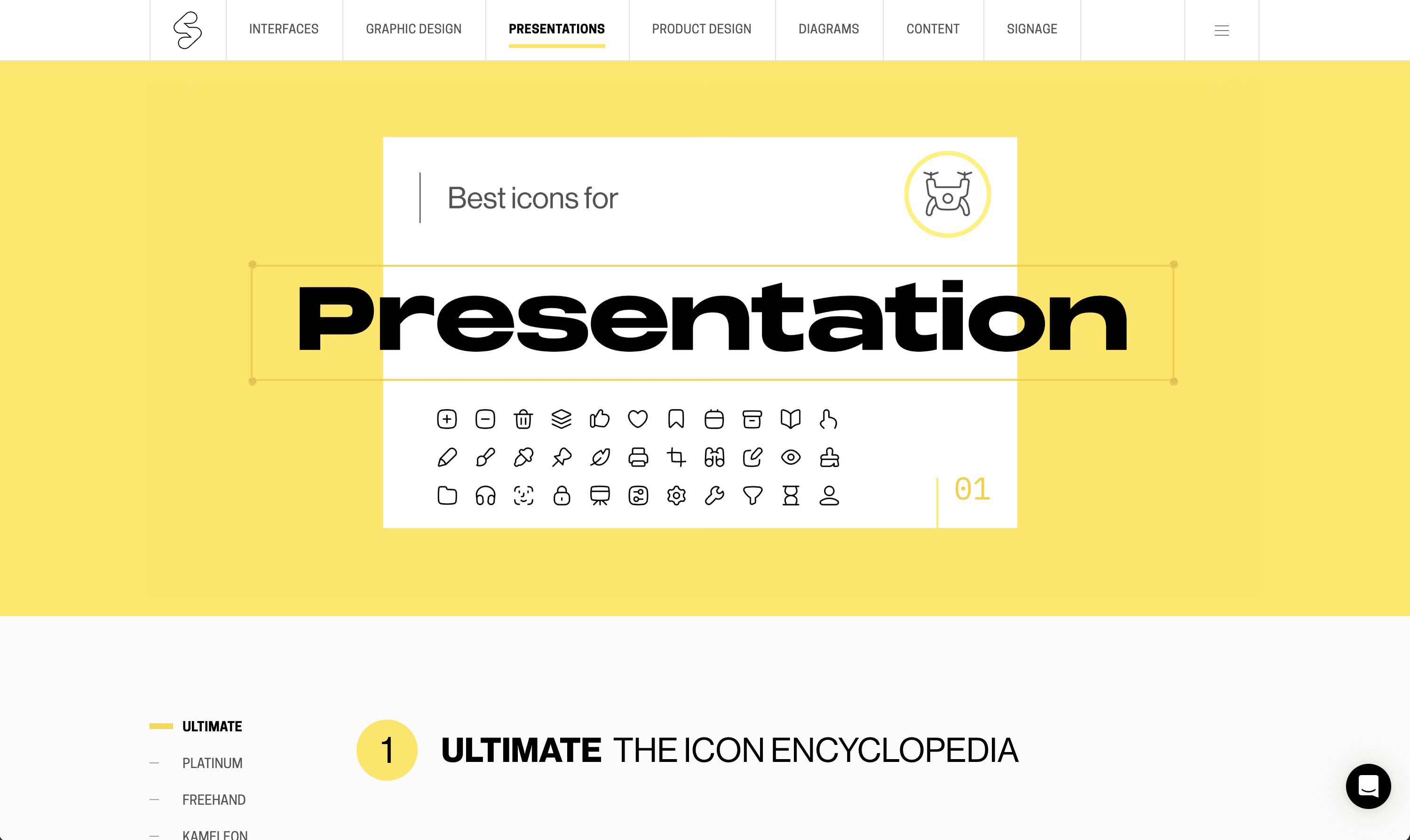
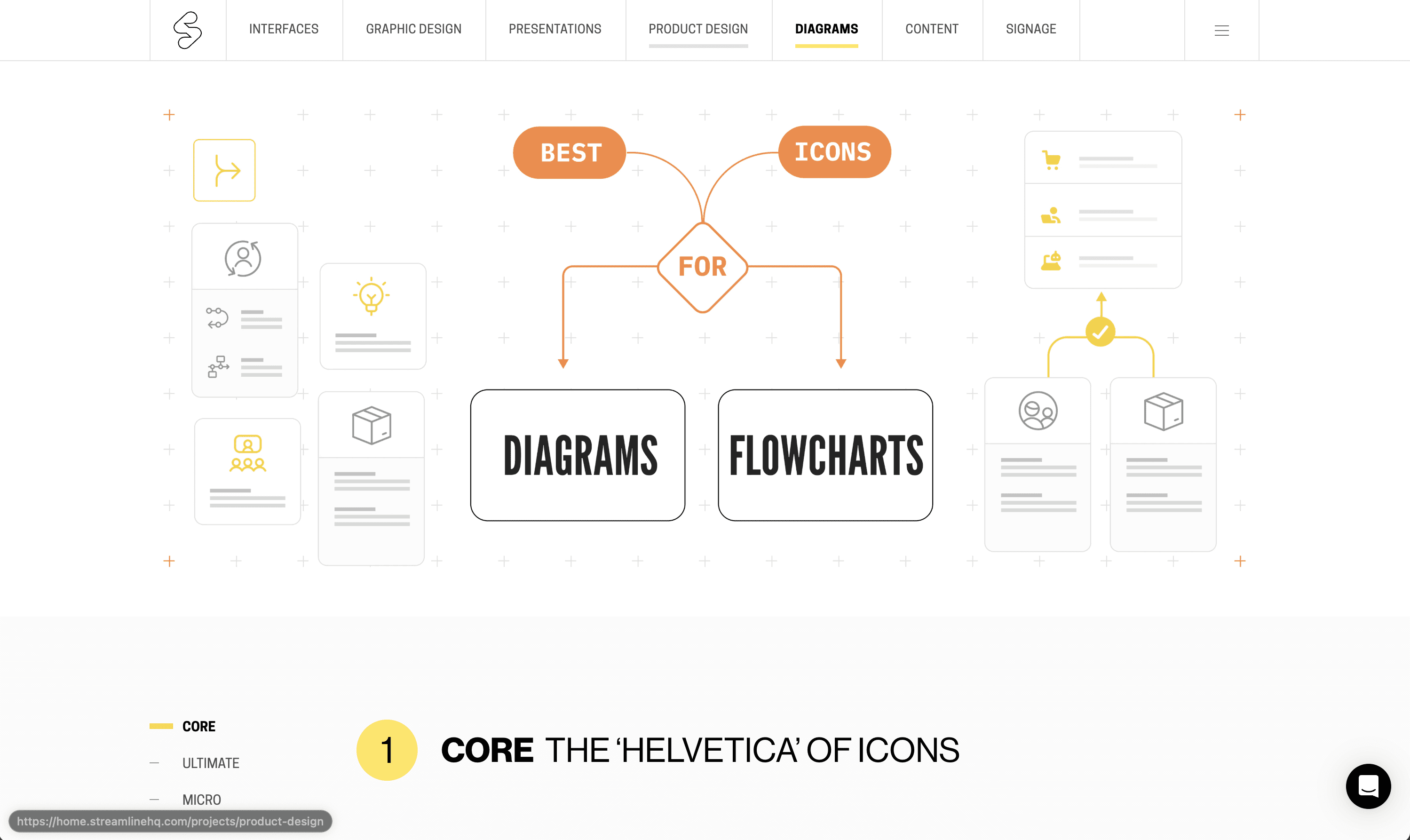
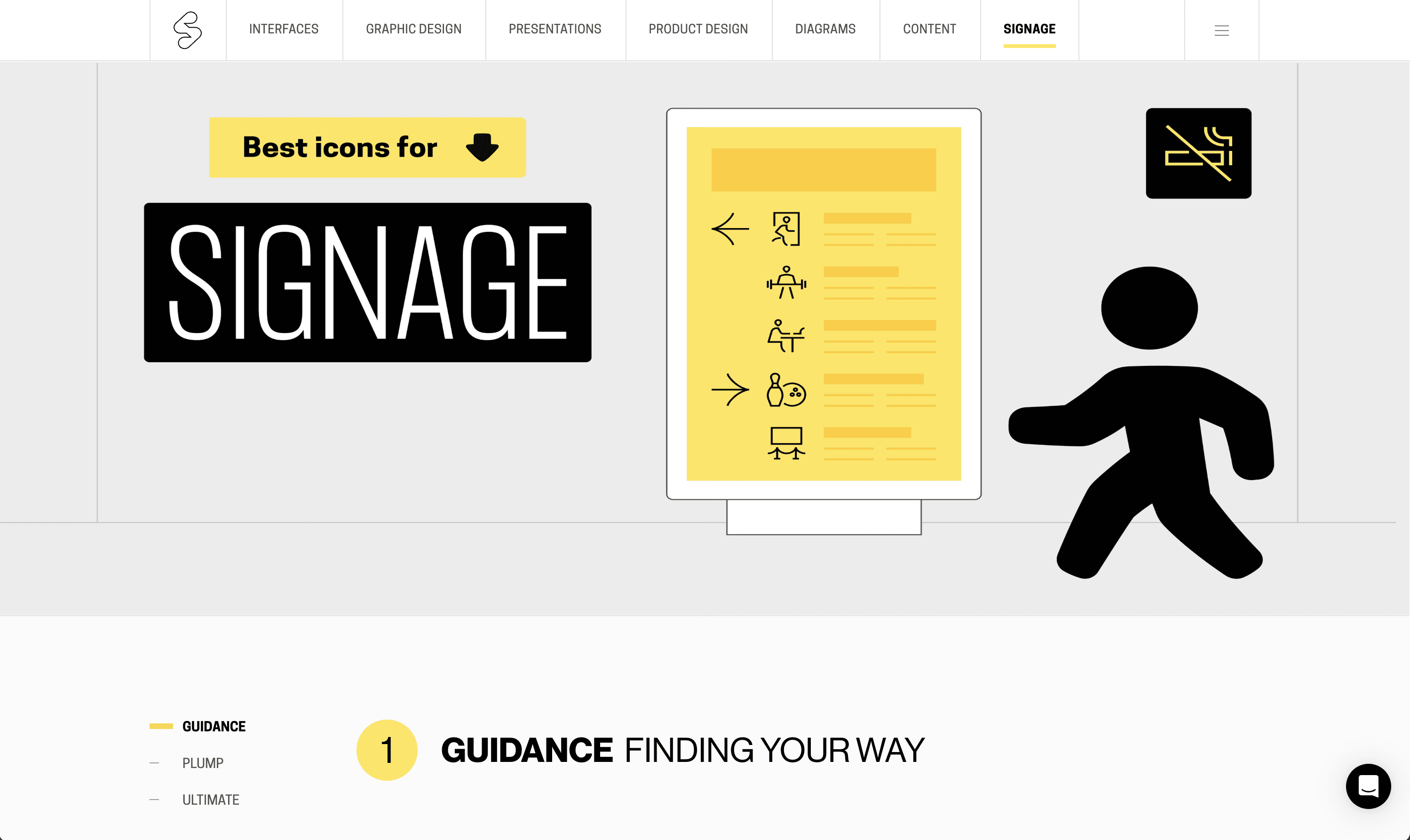
I also created a lot of the use-cases for the landing pages using the Streamline icon sets.

OVERVIEW
Streamline is a B2B SAAS asset library with millions of users.
Streamline is a design tool built around a large catalog of high-quality vector assets like icons and illustrations. Designers, marketers, and developers use it to browse huge sets, drop assets into collections, customize them, and export in the formats and sizes they need for products, decks, or code.

WEB APP
PROBLEM
Users are unsure how to use Streamline effectively in their projects.
Users often feel uncertain about whether Streamline is the right library for their needs and seek guidance on using the icon sets effectively. Many users visit the website looking for use-case examples, but the absence of such information leads them to contact customer support for assistance.
GOALS
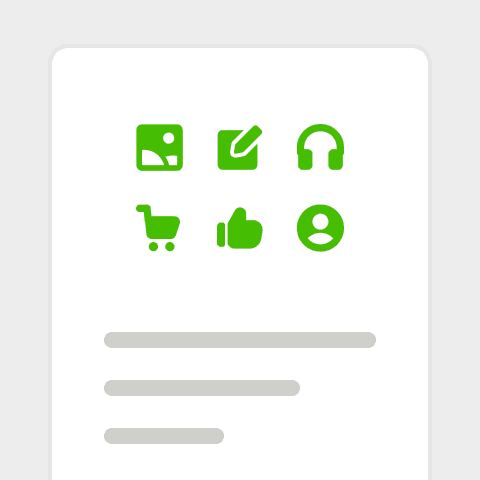
Provide more information
Share detailed information about the icon sets and highlight practical applications for different projects
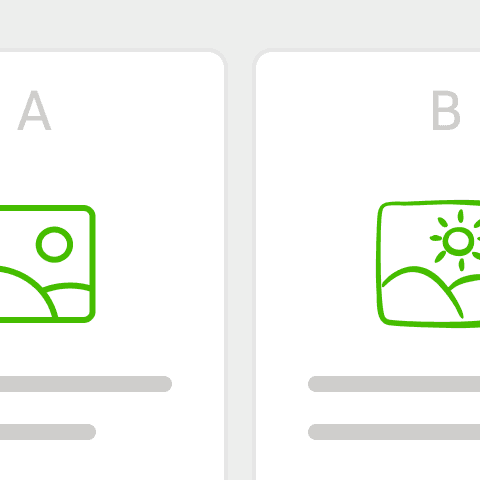
Help users with decision making
Guide visitors in making informed decisions by outlining how each icon set aligns with different use cases.
DESIGN PROCESS
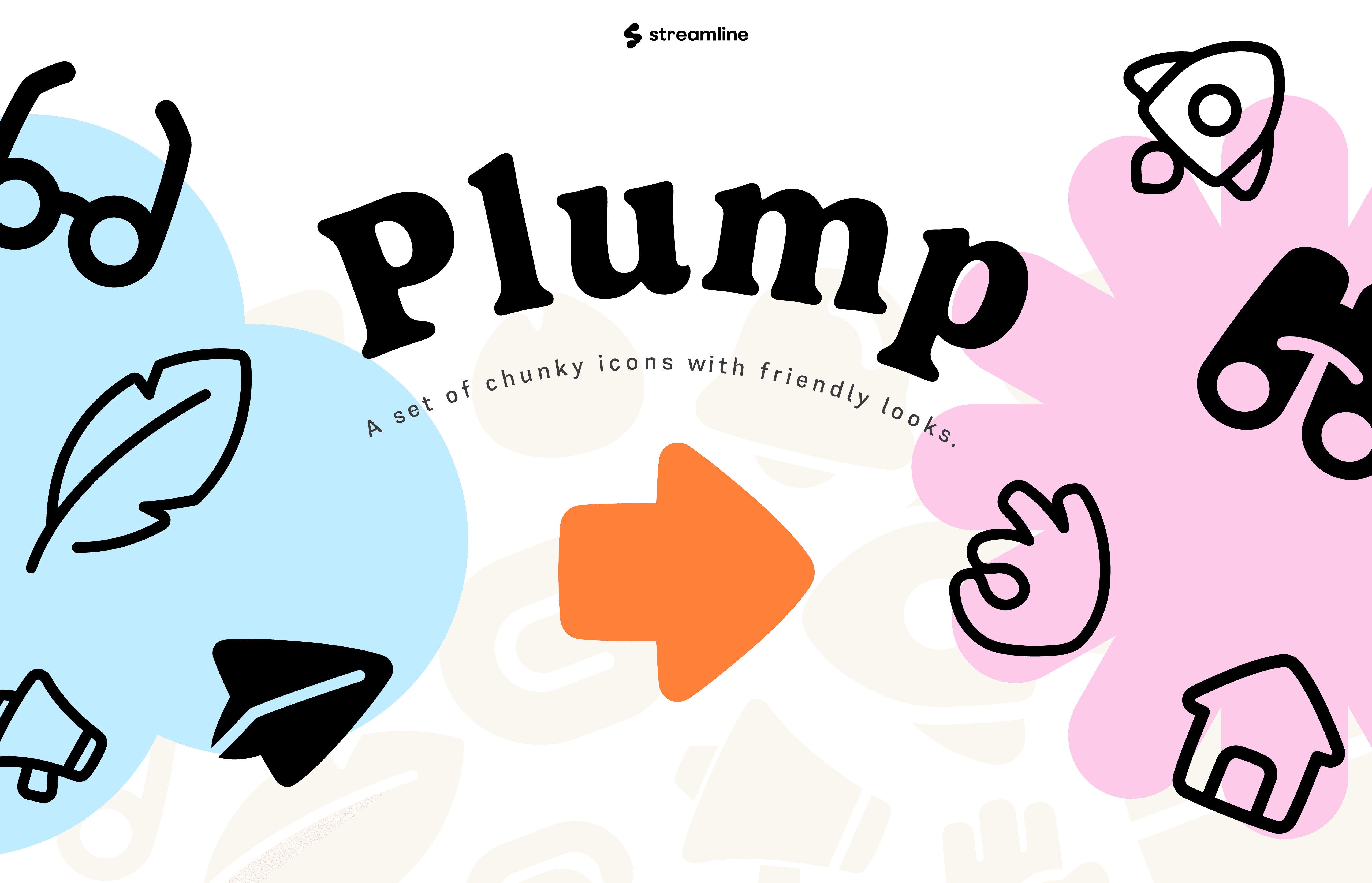
I started by creating expressive pages personalized to different icon sets, but soon realized it was not scalable.
Initially, I created individual pages for each icon set to make the content engaging and informative. However, this approach became difficult to scale as new sets are added to the Streamline library every few months..
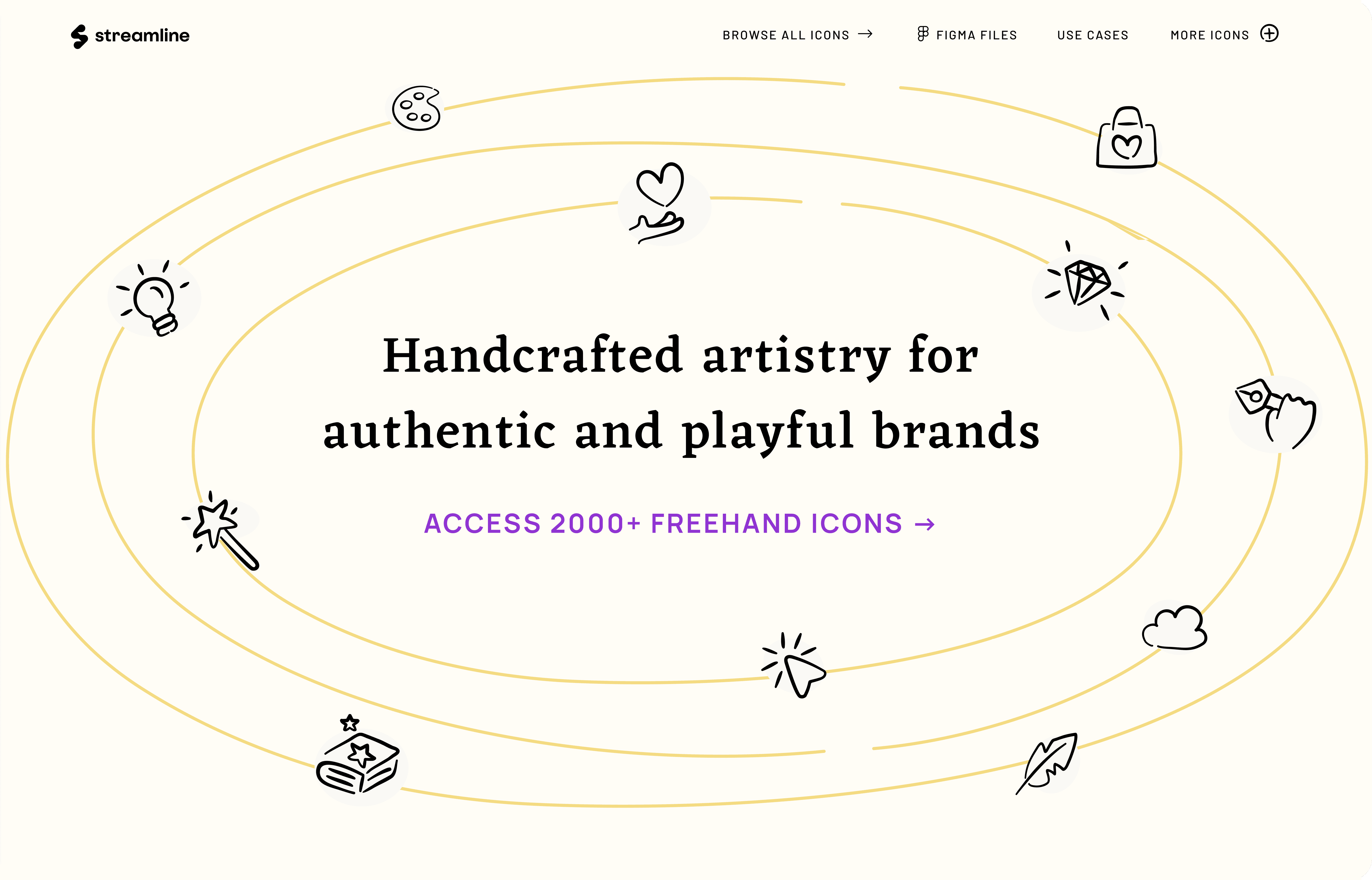
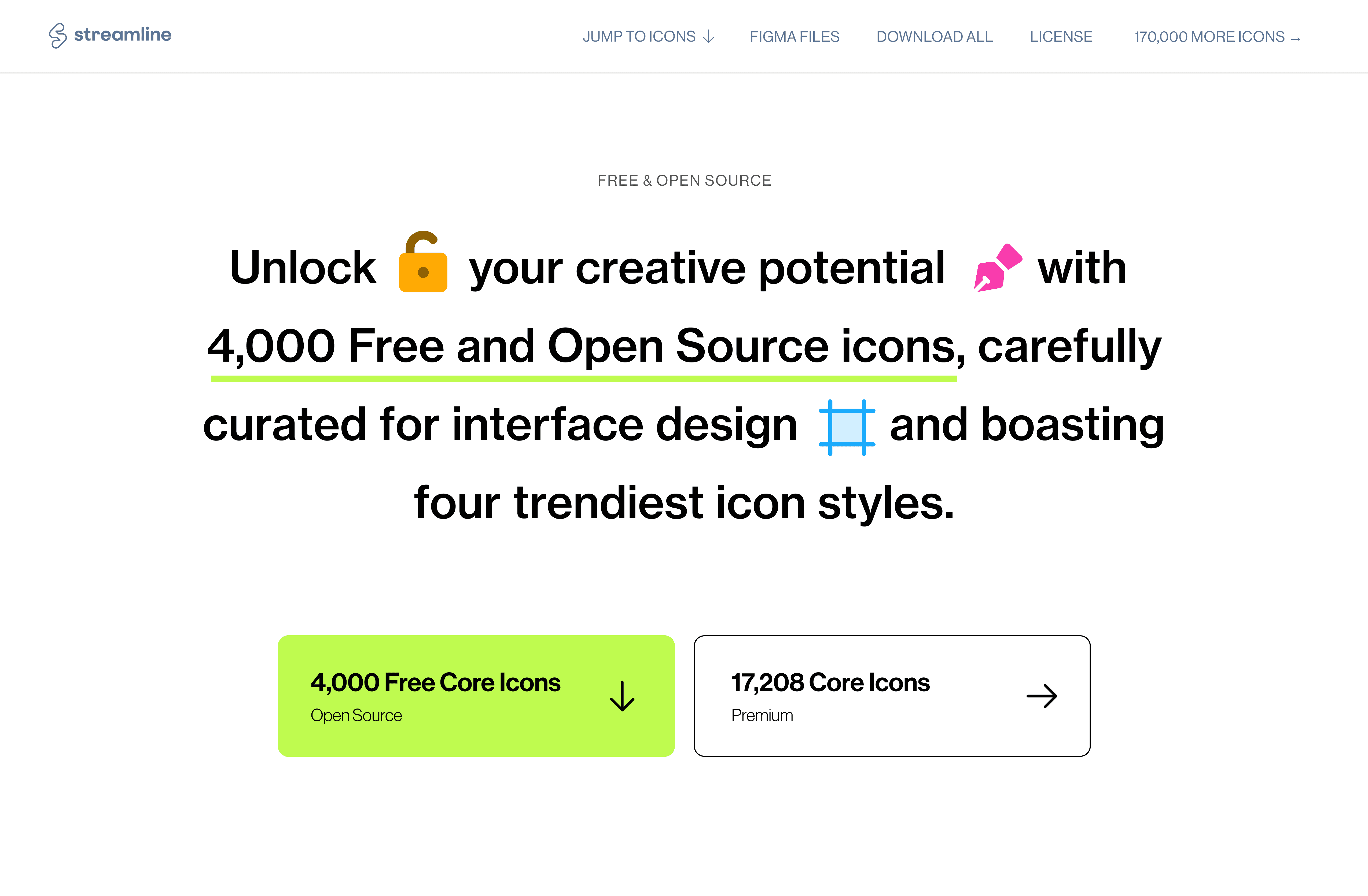
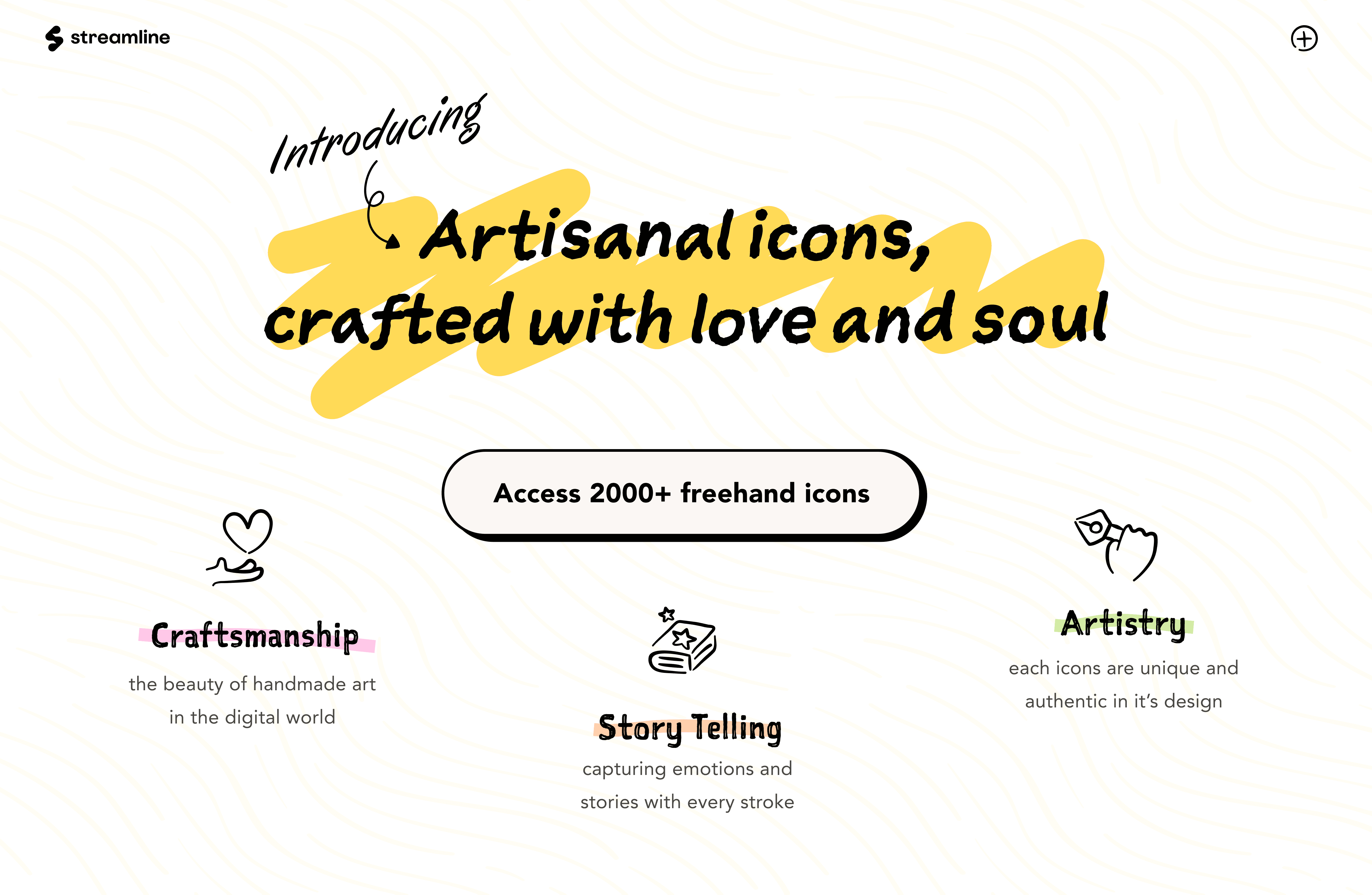
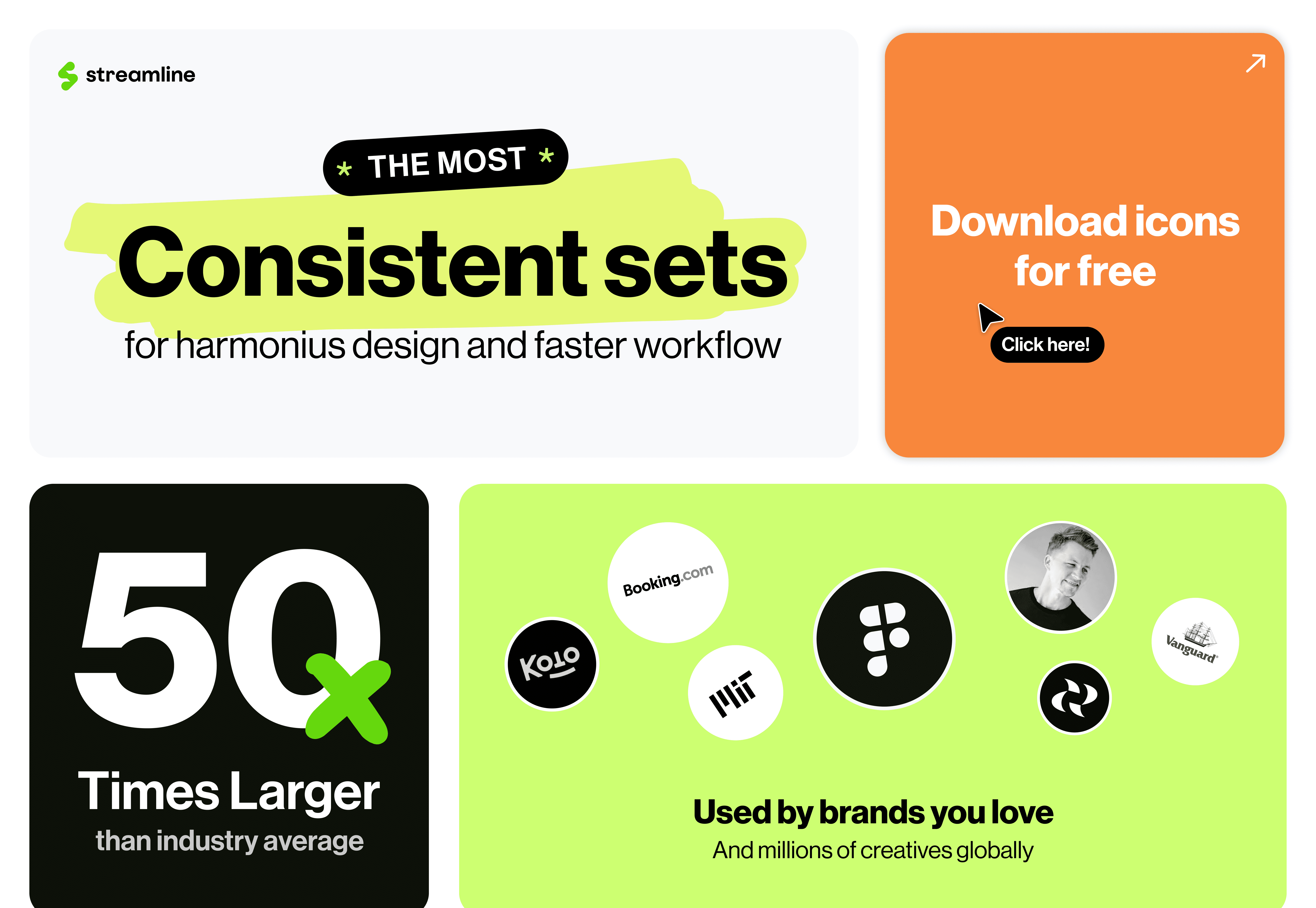
I tried a one-page, bento-style layout to showcase the icon sets, but it failed to clearly convey the use cases and felt off-brand for Streamline.
Based on insights from previous research calls and support tickets, we identified user types and designed dedicated landing pages tailored to each group. For instance, we observed users specifically searching for icon sets tailored to interfaces. So, I created a dedicated page showcasing our recommended icon sets, complemented by visual examples demonstrating their application in interface design.
IMPACT
The websites were very well received!
User engagement and visits
Users began referring to our use cases while using the product and enjoyed browsing the landing pages, as evidenced by the positive analytics and increased website engagement.
Fewer queries about 'how to use' assets
Users asking about the application of the sets reduced over time and it was also helpful to link to this section of the website when the query came up.
REFLECTION
My key takeaways and learnings!
Learning about the icon industry
I gained a solid understanding of iconography best practices, including how icons are designed and how to present them in a way that effectively appeals to users.
Designing with Framer
I learned a lot about using Framer and its basics through this project. Previously, I had only explored the low/no-code side of design, but this experience significantly expanded my skill set.
How would I do differently now with AI?